Subscriptions
Shopify subscription failed payment: what to tell customers
November 26, 20266 min readLaminar Checkout Team
Part of our guide: Shopify Payments reserve: causes, terms and what you can do · Start with the pillar: How clear checkout policies can reduce avoidable disputes
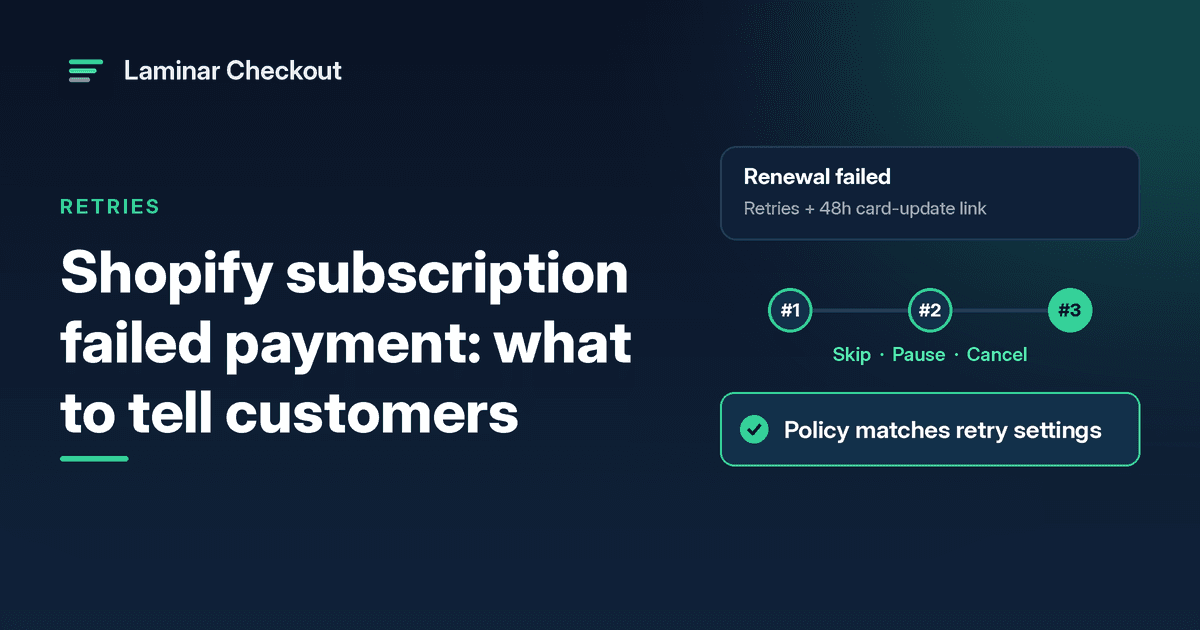
Cards expire, get replaced after fraud, or hit a limit. When that happens on a subscription renewal, the charge fails and your store starts retrying. Most of the time the customer updates their card and nothing more happens. Sometimes a retry succeeds days later, the customer doesn't recognize it, and a dispute follows.
This post walks through what Shopify Subscriptions does after a failed payment, which settings you control, and what your public pages should say so a late charge is expected rather than a surprise. Laminar Checkout is independent of Shopify, and this is general information, not legal advice. No setting or policy can promise you won't get disputes.
What happens when a Shopify subscription payment fails?
In the Shopify Subscriptions app, failed payments are handled under Billing attempts. Shopify's page on managing Shopify Subscriptions app settings says that for a payment method failure you can set:
- The number of retry attempts.
- The days between payment retry attempts.
- The action when all retry attempts have failed: skip, pause or cancel the subscription.
Shopify says a notification is sent to your customer in each case. You find these settings under Apps > Subscriptions > Settings in your admin.
If you use a third-party subscription app, its retry and notification rules may differ. Check that app's documentation.
Why can a failed payment turn into a chargeback?
A failed payment is not a dispute. The problems start with what the customer believes happened:
- They think a failed payment means the subscription ended. A retry that succeeds a week later then looks like a charge they never agreed to.
- They miss or distrust the card-update email. If it doesn't look like it came from your store, they may ignore it, then dispute the next successful charge.
- They can't tell skip, pause and cancel apart. If your policy uses one word and the customer email uses another, confusion follows.
- The charge shows a name they don't recognize. Our post on statement descriptors and unrecognized charge disputes covers that side.
When a renewal is disputed, Shopify's page on responding to chargebacks lists the evidence for a subscription canceled dispute: the subscription terms the customer accepted, your cancellation policy, cancellation records, usage after the charge, renewal reminders or receipts sent before the charge, and customer messages. Every item is easier to show if your pages and emails were clear from the start. For the full dispute picture, see Shopify subscription chargebacks.
How do customers update their card on Shopify?
Shopify's page on Shopify Subscriptions customer experience says customers can sign in to their customer account, open Subscriptions, choose the subscription and replace the payment method. They can also reach their account through Manage your subscription in subscription emails.
From your side, Shopify's page on viewing and managing customers' subscriptions says you can filter customers by Failed payment, open a customer, and either click Send link to update card or replace the card yourself. Shopify notes that payment method update links expire 48 hours after they are sent. If a customer says the link expired, resend it from their profile.
What if the customer's bank asks them to confirm the charge?
Shopify's customer subscriptions page says a customer's bank can challenge a recurring billing attempt, so the customer has to confirm the purchase and payment method. In that case Shopify emails the customer with the subject line "Confirm payment for your subscription", a link to your store and the order summary. Shopify says the email includes your logo and accent color but can't be customized further.
Since you can't change that email, tell customers about it elsewhere. One line in your subscription policy or FAQ is enough. Something like: "Your bank may ask you to confirm a renewal. You'll get an email from us titled Confirm payment for your subscription."
Which store pages should explain failed payments?
Does my subscription policy say what happens after a failed payment?
State that you will retry, roughly how many times and over what period, and what happens after the last attempt. Match the words to your actual setting: if the app is set to pause, don't write "cancel".
Does my checkout make the recurring terms clear?
Shopify's customer experience page says customers must agree to the cancellation policy terms before they can buy a subscription, and the order frequency shows in the order summary. Make sure the linked policy is complete, not a placeholder.
Do customers get a reminder before each charge?
Shopify says Shopify Subscriptions emails customers 3 days before each recurring order is charged, so they can skip, update payment details, pause or cancel. Subscription emails are on by default under Settings > Notifications. If you turned any off, check whether you still want them off.
Can customers find where to update a card or cancel?
Shopify says you can add the subscription management URL to email notifications and your online store's menus. Put it in your footer or account menu, and mention it in the policy.
Do pricing and contact details match the email?
The renewal price, shipping per delivery and any discount should match what checkout showed. Your support email should be easy to find, so a customer asks you before asking their bank.
What should I check this week?
- Open Apps > Subscriptions > Settings and note your retry count, interval and final action.
- Read your subscription policy and fix any wording that doesn't match.
- Filter customers by Failed payment and send update links where needed.
- Confirm the reminder and subscription notifications are switched on.
- Add the subscription management link to your footer or menu.
For the broader prevention picture, see how clear checkout policies reduce avoidable disputes.
FAQ
Does Shopify retry failed subscription payments automatically?
In Shopify Subscriptions, yes. You set the number of retries and the days between them under Billing attempts.
What happens after the last retry fails?
You choose: skip, pause or cancel. Shopify says the customer gets a notification in each case.
How long does a card-update link last?
Shopify says 48 hours. You can resend it from the customer's profile.
Will a clear policy stop renewal disputes?
No. It can reduce avoidable ones and give you better evidence. The customer's bank still decides each dispute.
Check your subscription pages
Run a free scan to see your public pages the way a reviewer might. Laminar Checkout checks contact details, refund and return policy, shipping timelines, pricing and fees, privacy and consent, and legitimacy signals, and returns an Est. Shopify Hold & Suspension Likelihood (5%–95%, higher = more risk) with a fix for each check. It takes about a minute and needs no app install or admin access. Our Compliance Audit starts from the same scan. A low risk estimate does not prevent disputes, holds or reserves.