Checkout
Cleverbridge data breach: what to ask checkout vendors
November 23, 20266 min readLaminar Checkout Team
Part of our guides: Guides for Shopify merchants · Start with the pillar: A Shopify checkout compliance checklist
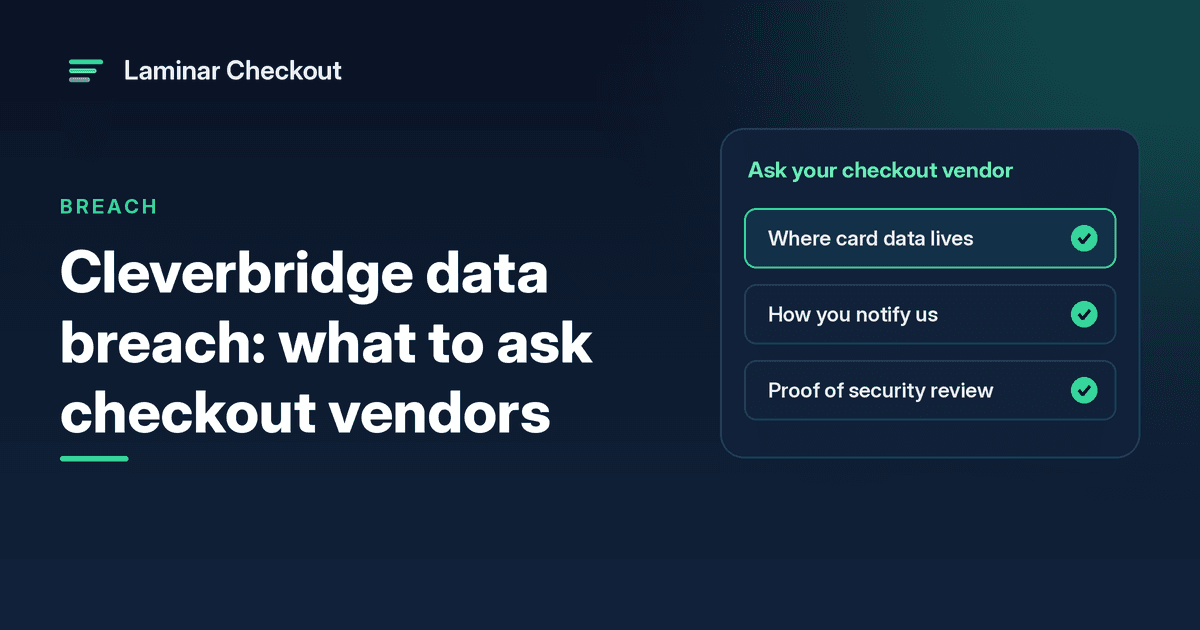
Cleverbridge, an ecommerce platform that runs checkout, payments and subscriptions for software sellers, has told customers that a third party copied payment card data stored on its platform. Notifications started on November 20, 2026. If you sell on Shopify, this may not be your checkout. Still, ask every vendor that touches card data where that data lives.
This post summarizes what BleepingComputer and Help Net Security reported, then lists questions for your own checkout and payment vendors. Laminar Checkout is independent of Shopify and of Cleverbridge. This is general information, not legal advice.
What happened at Cleverbridge?
BleepingComputer reported on November 22, 2026 that Cleverbridge detected unauthorized activity on November 4, 2026 and took systems offline. A Cleverbridge notice, as quoted by BleepingComputer, said:
"All systems were brought back online on 4 November 2026; however, our investigation subsequently determined that a third party copied payment card data stored on our platform."
Help Net Security reported the same outline on November 23, including that systems were back online the same day. Both outlets reported that notifications began on November 20, that the incident was not ransomware, and that attackers did not encrypt any systems. According to BleepingComputer, Cleverbridge said it has notified data protection authorities, law enforcement, payment card networks and payment partners, and is working with TransUnion's Cyberscout on notifications and credit monitoring.
What card data was copied?
Cleverbridge's public disclosure confirmed that payment card data was copied, but did not list the specific fields, according to BleepingComputer. A customer notice obtained by BleepingComputer did:
"Based on our investigation to date, the information involved includes the payment card details you used to make a purchase through Cleverbridge, notably your card number, expiry date, card security code (CVV/CVC)."
BleepingComputer reported that the same notice said no other personal data, such as name, contact or billing details, was copied. Help Net Security cited that notice, attributing it to BleepingComputer.
If you received a notice, follow it. BleepingComputer reported that affected customers are told to review their statements and contact their issuer, which may replace a compromised card. Help Net Security also reported Cleverbridge's phishing warning: it will never ask for card details, passwords or security codes by email, phone or text.
What don't we know yet?
BleepingComputer and Help Net Security both reported that Cleverbridge has not disclosed how the attackers gained access, how long they remained in its systems, or how many customers were affected. We are not going to guess. Wait for Cleverbridge's own updates.
What we think Shopify merchants should take from this
The next points are our view, not a finding from the reporting.
A card verification code is meant to prove a customer has the card at the time of a transaction. The PCI Security Standards Council, in a public FAQ, says these codes are Sensitive Authentication Data, and that "PCI DSS Requirement 3.3.1.2 strictly prohibits storing them after authorization — even if encrypted." The FAQ says to collect them only when needed for authorization and never store them afterward.
That is why the reported theft of CVV/CVC codes stands out. If a vendor can produce a stored CVV after authorization, that is at odds with this rule. We think a checkout should tokenize card data and keep raw card details off its own systems, so a copy of the platform does not include the card number, expiry date and CVV together.
Ask every checkout, subscription or payment vendor the same questions, whether or not you use Cleverbridge. Apps, subscription tools and invoice pages can still touch card data even when Shopify checkout is your main path.
Which vendors should I ask, and what should I ask them?
Make a list: your checkout, payment apps and gateways, subscription tools, invoice or manual-charge tools, and any fraud, refund or "update card" service that collects a card number.
Then ask each vendor, in writing:
- Where is card data stored, and on whose systems?
- Is card data tokenized, and can you access the raw card number after a charge is authorized?
- Is a CVV or CVC ever retained after authorization, including in logs, backups, support tickets or recordings?
- How would you notify us if card data on your platform were copied?
- Where should our customers report a suspected fraudulent charge?
Keep the replies with your records. If a vendor cannot answer clearly, keep asking, or review whether you still need that tool.
What should I check on my own store pages?
You cannot undo a vendor breach, but you can keep store information accurate and give customers a way to reach you.
- Privacy policy. Say which payment and checkout providers you use, and what payment data you (and they) collect, in language that matches how the store works. If you changed a provider, update the policy.
- Contact details. List a monitored email and a phone number or address in the footer and on the contact page.
- A way to report fraud. Tell customers how to contact you and their card issuer about an unrecognized charge. Do not ask them to send a full card number or CVV by email.
Clear pages will not stop a vendor breach, but they help a customer reach you and are what a reviewer often checks. See our Shopify checkout compliance checklist and what card networks and Shopify Payments expect. For a structured review of the public pages, see compliance review.
FAQ
Does this breach affect my Shopify store?
Only if you, or a vendor you use, processed cards through Cleverbridge, and only if that customer is in the notified group. If you do not use Cleverbridge, treat this as a prompt to ask your own vendors the questions above.
Should I tell my customers to cancel their cards?
If you received a notice, follow it and point customers to their card issuer. BleepingComputer reported that banks may replace compromised cards. We cannot tell you to cancel cards for your whole customer base.
Is it ever acceptable for a vendor to store CVV?
The PCI SSC FAQ linked above says Requirement 3.3.1.2 strictly prohibits storing card verification codes after authorization, even if encrypted. Your contracts and acquirer rules may add more. This is not legal advice.
What if a vendor stores card numbers but not CVV?
Keeping raw card data off the vendor's systems is still the safer pattern, in our view. Stored card numbers and expiry dates are still sensitive. Ask where that data lives, even when CVV is not retained.
Ask the questions, then check your pages
List the vendors that touch card data, ask where that data is stored, and make sure your privacy policy and contact details are accurate. Run a free scan to see your public pages the way a reviewer might. Laminar Checkout checks contact, refund and return, shipping timelines, pricing and fees, privacy and consent, and legitimacy, and returns a 0–100 compliance score. It is free, takes about a minute, and needs no app install. A public-page scan cannot tell you whether a vendor stored CVV.