Declined payments
Shopify payment declined: what your store can and can't fix
November 27, 20266 min readLaminar Checkout Team
Part of our guide: Shopify Payments reserve: causes, terms and what you can do · Start with the pillar: Visa VAMP ratio: what it counts and what stores control
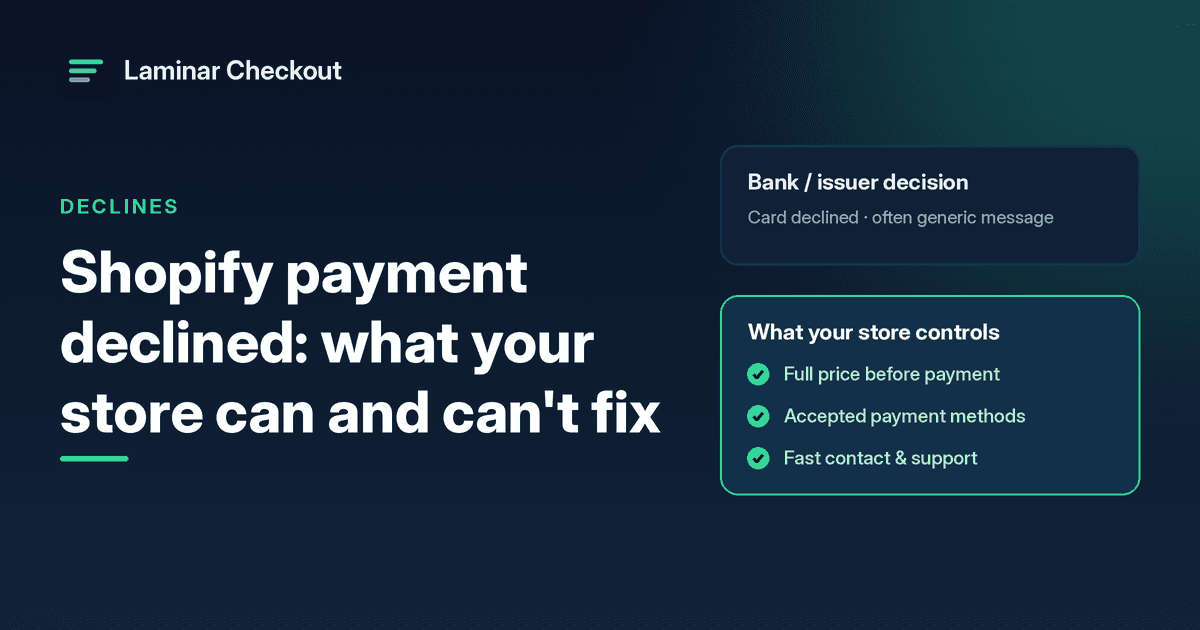
A customer writes in: "Your checkout keeps declining my card." It is tempting to look for a setting that turns declines off. There isn't one. Most declines are decided by the customer's bank, and the reason is often not shared. What you can control is the information around the payment: what your checkout shows, how customers reach you, and how you handle orders that look risky.
This post explains where a decline comes from, how to find out more in your Shopify admin, and which public pages help a genuine customer complete the order. Laminar Checkout is independent of Shopify and not affiliated with or endorsed by it. This is general information, not legal advice, and no store change can promise fewer declines.
Why is my customer's payment declined on Shopify?
Shopify's page on troubleshooting checkout payment issues says a card decline means the customer's bank or card issuer rejected the transaction, and the customer sees a "Your card was declined" message. The bank makes this decision, not Shopify.
Shopify's page on declined payments with Shopify Payments explains that banks use automated systems that weigh signals such as the customer's spending habits, account balance, expiration date and card verification value (CVV). Those signals change all the time. Even with correct card details and a past successful payment, a new charge can still be declined by a bank's fraud systems.
Where can I see why a payment was declined?
A failed payment usually does not create an order. Shopify says the attempt is recorded as an abandoned checkout instead, with each attempt listed in that checkout's Timeline.
To check one:
- Go to Orders > Abandoned checkouts in your Shopify admin.
- Open the customer's checkout.
- Expand the failed payment event and read its Message field.
Shopify notes that many banks return only a generic decline, so a specific reason isn't always available. Also, a checkout only counts as abandoned after it has been incomplete for more than 10 minutes, so a very recent attempt may not show yet.
If the card details look right, Shopify's advice is to ask the customer to contact their bank, or to try a different payment method.
Was the payment declined, or blocked by a fraud filter?
These are different. Shopify says that with Shopify Payments, some high-risk checkout attempts can be blocked before an order is created. A third-party fraud app can block transactions too.
Shopify's steps: in Orders > Abandoned checkouts, select the Blocked view, open the checkout and look for "Blocked due to high risk of fraud" in the Timeline. If an IP address is on a temporary blocklist, Shopify says the block is usually removed automatically within a day and can't be removed sooner.
If you know the customer and can confirm the block was a mistake, Shopify says you can create a draft order and send them an invoice.
Should I work around a fraud block to save the sale?
Be careful. Shopify warns that fulfilling high-risk orders can put you at greater risk of chargebacks, which can result in disabling payment processing and removal from Shopify Payments. A lost sale is usually cheaper than a fraud chargeback and an account review. Only invoice customers you can actually verify. Our post on the Shopify high risk order flag covers when to verify, cancel or fulfill.
What does "Too many attempts" mean at checkout?
Shopify describes it as temporary rate-limiting after a customer tries to pay too many times in a short period. It protects against automated and abusive traffic. The customer should wait a few minutes before trying again. Clearing the browser cache does not reset it.
If genuine customers keep reporting it, Shopify suggests contacting Shopify Support with your store URL, the times of the errors and the customers' regions.
Can store settings reduce declines?
A little, and Shopify is specific about it. Its declined payments page says collecting the CVV can significantly improve decline rates. It says banks mainly use the card number, expiration date and CVV, and that only American Express uses the cardholder's name in its checks. With Shopify Payments, transactions are routed automatically to the processor most likely to authorize them.
Beyond that, the decision sits with the bank.
Which checkout pages help a declined customer finish the order?
Your pages cannot change a bank's decision. They can make it easier for a genuine customer to try again, or to reach you instead of giving up.
Is the full price clear before payment?
Shopify notes that prepaid gift cards can be declined when the balance does not cover the full amount, including shipping and taxes. Show shipping costs and any fees early, so the total at payment is not a surprise.
Can customers see which payment methods you accept?
Shopify's first suggestion after a decline is often to try a different payment method. List your accepted methods in your FAQ or footer so customers know their options.
Can customers reach you quickly?
Show a monitored email, and a phone number if you offer one, on your contact page and footer. A customer who can reach you can be helped. One who can't may leave, or may later dispute a charge they do not understand.
Does your store look like a real business?
Use a business name that matches your billing statement text, a real address or registered business details where appropriate, and policies that are easy to open. Remove reviews or badges you cannot back up. These do not decide a bank's answer, but they help customers and reviewers trust what they see.
Where can I read more?
Our card network pillar on the Visa VAMP ratio explains how fraud reports and disputes are measured. For bank verification at checkout, see what the 3-D Secure liability shift does not cover. For Mastercard's dispute program, see the Mastercard Excessive Chargeback Program for Shopify stores. For cross-border orders, see international orders, duties and disputes. To review your public pages, see our Compliance Audit.
FAQ
Is a declined card a problem with my Shopify Payments account?
Usually not. Shopify says a decline is the customer's bank rejecting the transaction. If all payments fail for all customers, Shopify's troubleshooting page treats that as a separate, store-wide issue.
Can Shopify Support tell me why a card was declined?
Shopify says it shows as much as it receives from the bank in the order history, and most declines are generic. The customer's bank is the best source.
Was my customer charged for a declined payment?
For a failed 3D Secure check, Shopify says no authorization is sent and no charge is made. For other declines, ask the customer to check with their bank.
What do customers see around my checkout?
Run a free scan to check the public pages customers see around payment. Laminar Checkout checks contact, refund and return, shipping timelines, pricing and fees, privacy and consent, and legitimacy, and returns an Est. Shopify Hold & Suspension Likelihood (5%–95%, higher = more risk) with pass, warning and fail counts. It takes under a minute and needs no app, login or admin access. Results are informational. A low risk estimate does not change how banks decide payments, but it shows the gaps on your pages to fix first.